| |  |
|
|
|
|---|
|
| | A Message from the Founders | Dear EasyLog Friends, As we begin this edition, we wish to share a heartfelt reflection that might resonate with you too. All of us radio enthusiasts started similarly: sitting quietly with a radio and makeshift antenna, capturing enigmatic signals from the vast sea of short waves from the '50s '60s '70s or '80s, depending on our age. It was an exploratory journey, a bit like navigating unknown waters, captivated by the distant signals' mystery. The excitement of young explorers discovering the ether, who set up their first antenna at home, awaiting the first connection eagerly, is still present. Today, technology has evolved, but the thrill of solving technical challenges, finding inventive solutions, and connecting with remote islands and distant places endures. In this modern signal sea, we continue to journey with the same curiosity and passion. Every amateur radio reading this will find a part of themselves echoed here. With friendship and gratitude, Good DX!
IK1TZO Pietro and IW1DGL Franco
|
|
|  | | | | | A person finds self-awareness by confronting challenges
-Antoine de Saint-Exupéry
|
| | |
|
|
|---|
| | Latest News | Update on the development of EasyLog |  | | |
| We are working on multiple fronts in parallel: on one side there are some "under the hood" optimizations that you will find in the next release, on the other we are laying the groundwork for important new developments that will come to light in subsequent versions. This approach allows us to optimize the internal engine and improve performance paving the way for new sections and features that we can't wait to present to you. Stay tuned, in the next issue we will tell you in detail about the new developments coming! |
|
| | | | | Efforts are ongoing on the new Reserved Area, which is seamlessly integrated with our site and your account to enhance and simplify the user experience. | Work on the site easylog.com | We are dedicated to enhancing your site experience by optimizing content, clarifying notifications, and making the integration with EasyLog more efficient. | The easylog.com Newsletter | Missed a Newsletter issue? You can now view the first 42 issues on the Newsletter page. We strive to update with all available Newsletters soon. | 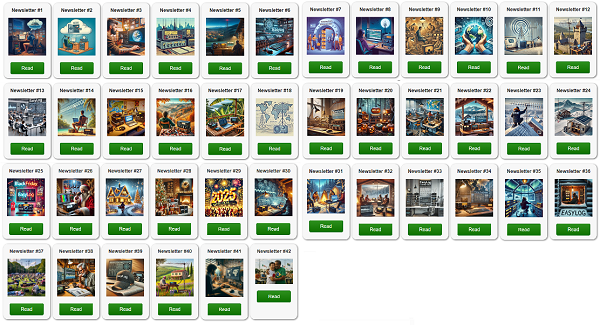 | | |
|
|
|---|
|
| | Our amateur radio eBooks are structured to be easy to read and enjoyable. They cover concepts with examples and illustrations that everyone can understand. | | |
|
|
|---|
|
| | | | | |  | | | | | |
| | |
|
| | | | | | | | | | | All our ebooks, offered in 4 languages, are crafted in an informative manner ideal for beginners and experts alike. | | | | | |
| | |
|
|
|---|
|
Not signed up yet? Find out why EasyLog offers the best QSL support! |
|
|
|---|
|
| | | | | |  | | | | | |
|
|
|
|---|
|
The new release 2025.1.3.0 is being distributed | Version 2025.1.3.0 is now accessible in the Reserved Area for users with active support. Discover the latest features and improvements: ✅ Improved DX-Alert section with additional selection options
✅ DX-Cluster now provides expanded LoTW details directly in the spot
✅ Introduced 28 new flags, including those for removed entities ✅ A comprehensive list of all enhancements, new features, and fixed issues, can be found during the installation of the new release or in the \el5\readme.* file in the EasyLog installation directory. Upgrade now or buy EasyLog to experience all the latest features we've added along with those in the new release. | | | | | | | 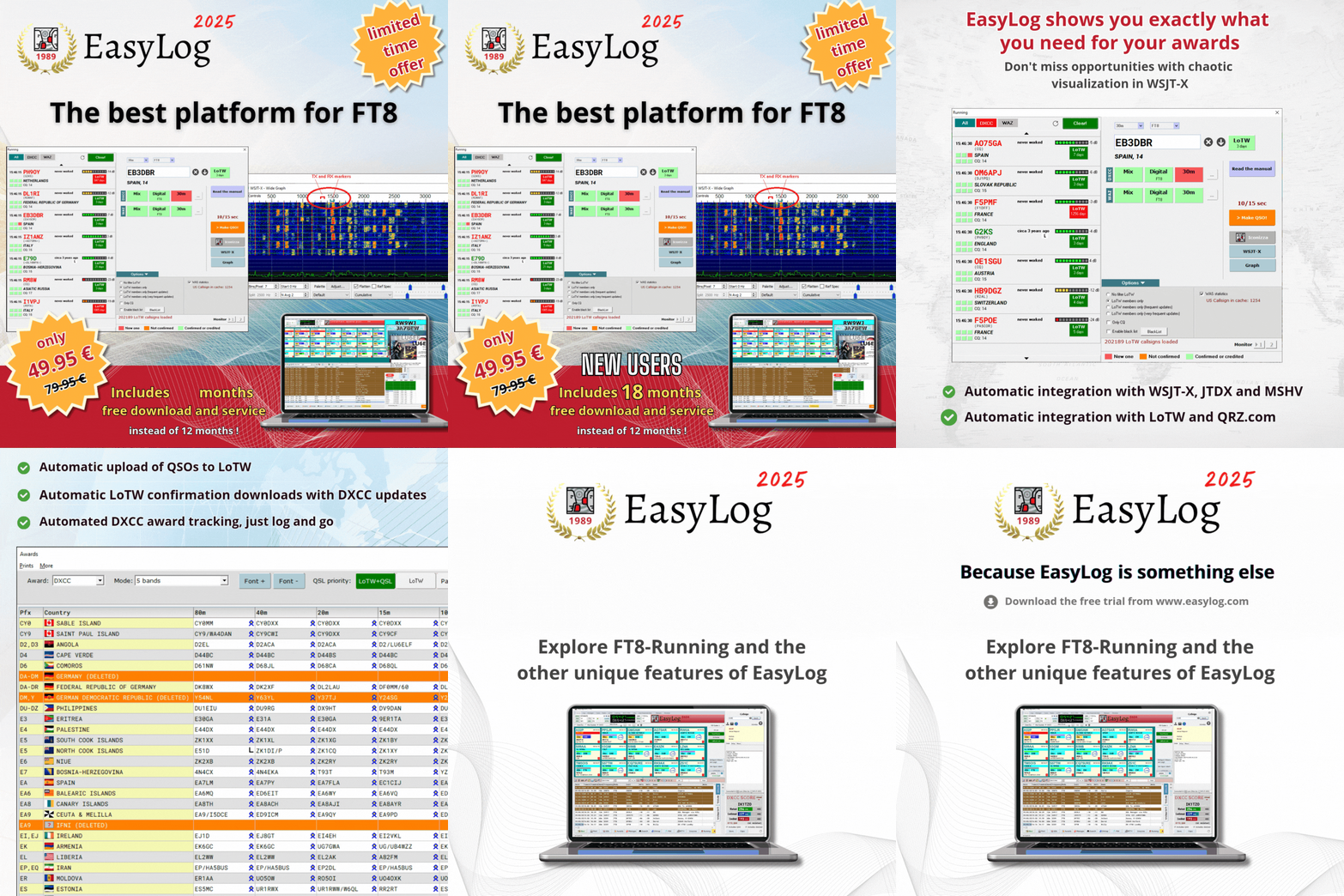 | | | | | |
| Purchase EasyLog today to get 18 months of free downloads instead of 12! Act fast! |
|
| Purchase now and get 18 months of free support (rather than 12) |  | Explore EasyLog, featuring top-notch Diploma management, seamless FT8/FT4 integration with LoTW, and much more. Enjoy 12 months of free downloads and unique services. Plus, our priority technical support ensures you're never left on your own. | | | | | | | Benefit from an additional 12 months of complimentary updates for new versions and related services: Manager, DXCC and CHECK (country recognition engine), diploma updates, exclusive Facebook group, and priority tech support service. | | | | | | |  | | | | | |
| | |
|
|
|---|
|
| | Tips & Tricks | | | The standard radio for the DX-Cluster | The DX-Cluster enables you to instantly adjust the radio to the frequency and mode of the DX-Spot, allowing for immediate operation and QSO attempts. Being quick to act, especially with rare stations or DX-peditions that have large pile-ups, can be crucial in securing the QSO instead of being stuck in prolonged, frustrating calls. | | | | | | | | |  | | | | | |
| To enable clicking on frequencies, a radio with a CAT interface is needed and should be configured in the Radio menu. If you have set up one or more of the 6 available radio interfaces in EasyLog to connect with your radios, you must choose which radio should be the "default," used for clicking on a DX-Spot in the DX-Cluster. Figure 1 demonstrates how the default radio relates to the radio interface for your device connection. In the example, an IC-7300 is set up as Radio 5 (using Omnirig) and radio 5 is selected as the default radio in the top left panel of the Radio menu. |
|
| In the example an IC-7300 is set as Radio 5 through Omnirig and you can see that in the top left panel of the Radio menu, radio 5 is chosen as the default radio. This setup ensures that clicking on a spot's frequency in the cluster panel mode (or double-clicking the line in DX-List mode) automatically tunes the radio (and adjusts the mode) to match the spot's frequency. | | | Quick Guide to Using EasyLog | Beyond the manuals found in the EasyLog Manuals menu, new EasyLog installers or those testing the Trial version will benefit from the Quick Guide as it outlines key EasyLog features and configuration steps for a comprehensive initial experience | | | | | | |  | | | | | |
| The EasyLog quick guide, which we suggest you read, is offered in 4 languages. To access it, click the orange button (1.) that is always visible at the top right of the EasyLog main screen. | Abundant with illustrations, the Quick Guide will guide you through the setup processes. From importing ADIF files to configuring Radios and from DX-Cluster to awards and FT8-Running. |
|
|
|---|
|
Do you want to send us news about your DX activities? Do not hesitate to contact us at support@easylog.com we will publish them in the next newsletter. |
|
|
|---|
|
| | | | | | | |  | | | | | |
| DX-Pedition, news and activities from around the world. | | | | | | | | |  | | | | | |
| S79/DL2SBY, SEYCHELLES ISLANDS From September 21 to October 12 Bands and modes not specified QSL via: DL2SBY direct |
|
| | | | | | |  | | | | | |
| T32K, EASTERN KIRIBATI From September 19 to October 3 IOTA: OC-124 in SSB, in the bands 80m, 40m, 20m, 15m, 12m, 10m QSL via: VK4MAP direct | | | | | | | | |  | | | | | |
| VK9/SP9FIH, CHRISTMAS ISLAND From September 19 to October 3
IOTA: OC-002 in SSB, FT4, FT8, on the 30m and 10m bands QSL via: LOTW |
|
|
|---|
|
| | | |  | Whether you're a registered user seeking assistance or a newcomer looking for details about EasyLog, feel free to reach out to our customer support. support@easylog.com | | | | |
|
|
|---|
| | Do you own a business and need a partner for your tech challenges? Our team provides customized software solutions. Submit your projects for evaluation, and we will prioritize your satisfaction with the same precision and dedication that went into creating EasyLog. | | |
|
|
|---|
|
Stay in touch, follow us, and like our page. |
| | Center Images | | | | | You are receiving this newsletter because you are either a registered user or have downloaded the trial version or the eBook. |
| Microware Software © 1989-2025 - All rights reserved |
|
|
|
|---|
|
|
|