| |  |
|
|
|
|---|
|
| | A message from the founders | Dear readers,
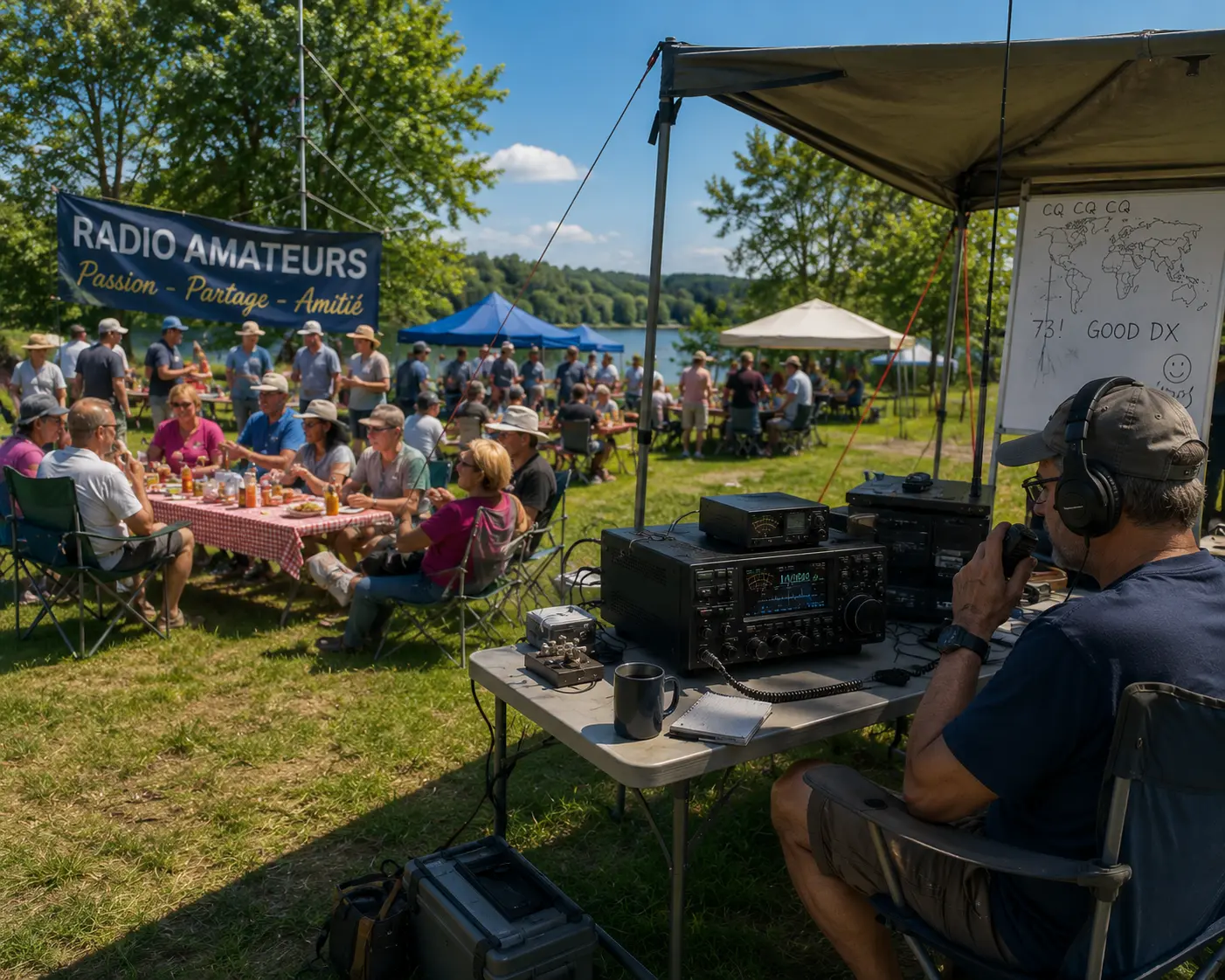
Every great competition celebrates those who stand on the highest step of the podium. The world of radio, however, has taught us something different.
Here, there isn't a single champion. Every day, in every corner of the world, thousands of amateur radio enthusiasts chase their own goals: a new DXCC, a band never worked, a contest, a new antenna, an impossible QSO that becomes a reality.
The true victory is to continue improving, learning, experimenting, and sharing one's passion. For over thirty years, this has been the spirit accompanying EasyLog.
Being alongside radio amateurs, offering increasingly advanced tools to help them achieve their goals, whatever they may be.
Because, in the end, the most important title isn’t the one engraved on a trophy. It is the satisfaction of every successful connection, every milestone achieved, and the passion that continues to accompany us, day after day. | 73, and Good DX!
IK1TZO Pietro and IW1DGL Franco |
|
| | |  | | | Perfection is unattainable, but if we chase perfection we can catch excellence.
— Vince Lombardi |
| | |
|
|
|---|
| | Latest News | | | | | Renewing EasyLog is even easier | 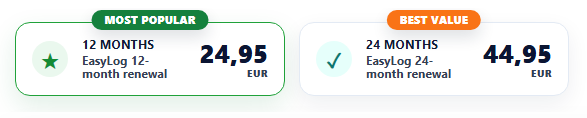 | The new renewal page has an even simpler and more intuitive structure. We have redesigned the renewal engine and right away, we are able to offer different renewal options (we have added the 24-month renewal option) and more will follow in the future.
The process is even more straightforward and transparent, allowing you to check support status, expiration, bonuses, the number of renewal months depending on the selected option, and updates of the latest release compared to the one you currently have. Payment and renewal are now even more efficient and faster, with the addition of a confirmation email sent directly to the user's email.
Visit the new renewal page | | | Download the latest Release 2026.1.5.0 | The new release 2026.1.5.0 is available for download. It extends the dashboard functionalities and introduces Phone, CW, and Digital modes in addition to Mixed in the Leader Board. The dashboard is reserved for users with active support. | The dashboard is a showcase of your station and your results. It displays the latest QSOs, your DXCC Score, and advanced statistics of your QSOs by band and your QSL sending and receiving.
It allows you to upload up to 5 photos of your station and to enter biographical information. | | | | | | | | | | | - The new release is available for free for download to everyone with active support
- If your support has expired you can renew at any time to regain access to the Reserved Area for another 12 months.
| | | | | | | | | |
| | | | | Support expiring at the end of July? | Renew before the expiration date and get 13 months instead of 12, hurry to not miss a free month! Check the expiration date in the EasyLog Reserved Area menu. | * Have you lost the credentials for the Reserved Area to renew?Contact us | | |
|
| | | | | | | | | | | | | 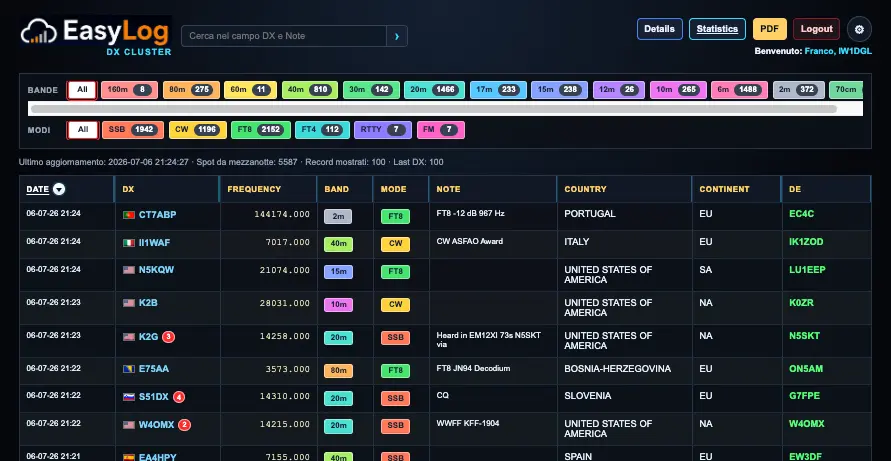 | | | | | |
| A new tool has been born that will become part of the EasyLog ecosystem.
A web-based DX Cluster perfectly integrated with EasyLog, rich in unique features and with a high degree of customization: DXCC opportunity, filters by band and mode and for notes (awards), automatic DX-spots grouping, night and clear interface, full screen, push notifications, and much more...
The free service will be reserved for EasyLog users with active support.
Currently, we are in the testing phase and expect to release the new service shortly and integrate it with the EasyLog Dashboard. | | | New Features in the Dashboard | | | | | | | 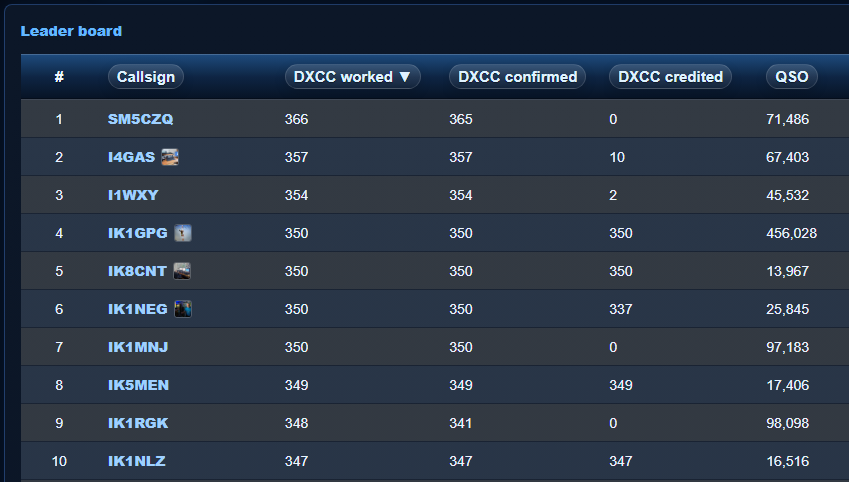 | | | | | |
| Have you already set up your Dashboard? | Activate the dashboard, customize it with your station photos, bio notes, DXCC Score, and share it with others. It's easy and fast, taking just a few seconds. |
| For information on the new dashboard, refer to issues #89 and #90 of the newsletter. | Below is an example of a dashboard: | | | | | | | | | | | | | 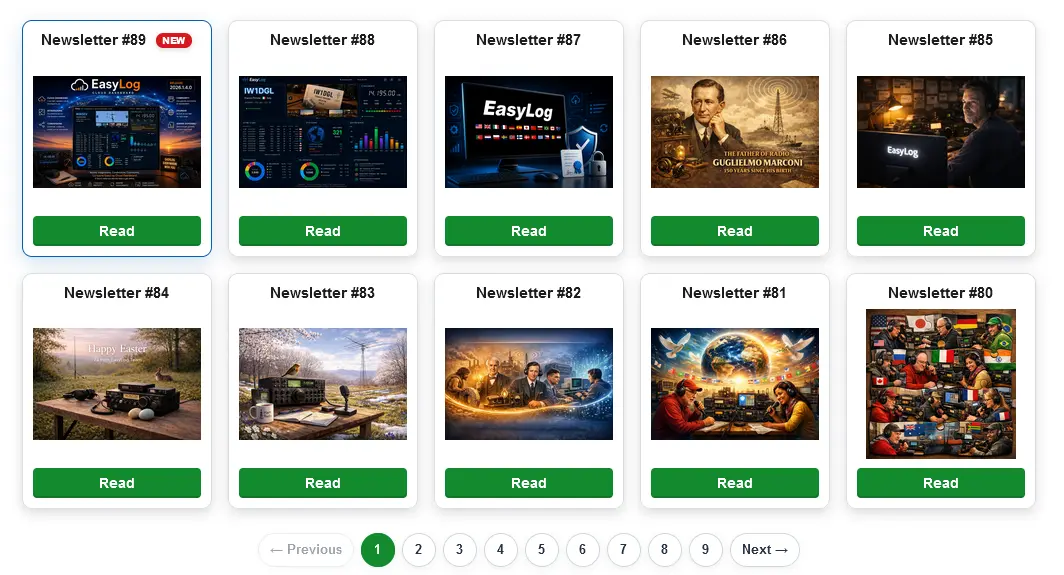 | | | | | |
| A new Newsletter page is now available, which will automatically and promptly display all the new issues of the released Newsletters. We have aligned the page with all the issues, so if you've missed any, you can quickly catch up. From this page, you can also subscribe to the newsletter.
Visit the Newsletter page | | |
|
|
|---|
|
| | ☀️ EasyLog Summer Sale This summer, become an even better prepared radio amateur 📖
eBooks
for radio amateurs ⬇
Instant
download ✓
Special summer
prices 📅 Until July 21 Discover the eBooks › |
|
|
|---|
|
📖 ALSO AVAILABLE IN PAPERBACK FORMAT Our books for amateur radio also
available on Amazon.it | FT8 & FT4 Manual A practical guide to maximizing the potential of FT8 & FT4 Amazon | Mastering DXCC A complete guide to excelling in DXCC Amazon | Smart DXing Concepts and strategies for successful DXing Amazon |
|
|
|
|---|
|
📖 ALSO AVAILABLE IN PAPERBACK FORMAT Our books for amateur radio also
available on Amazon.it |
|
|
|
|---|
Renew EasyLog 12 months of updates  ✅ 13 months if renewed before expiration ✅ Priority support and community access Renew | Buy EasyLog €39.95 instead of €49.95  ✅ Advanced DXCC & awards tracking ✅ FT8/FT4, LoTW, ClubLog, QRZ, eQSL and more Buy now |
| | |
|
|
|---|
|
| | Tips & Tricks | | | Using DX-Cluster Filters | | | | | | | | | 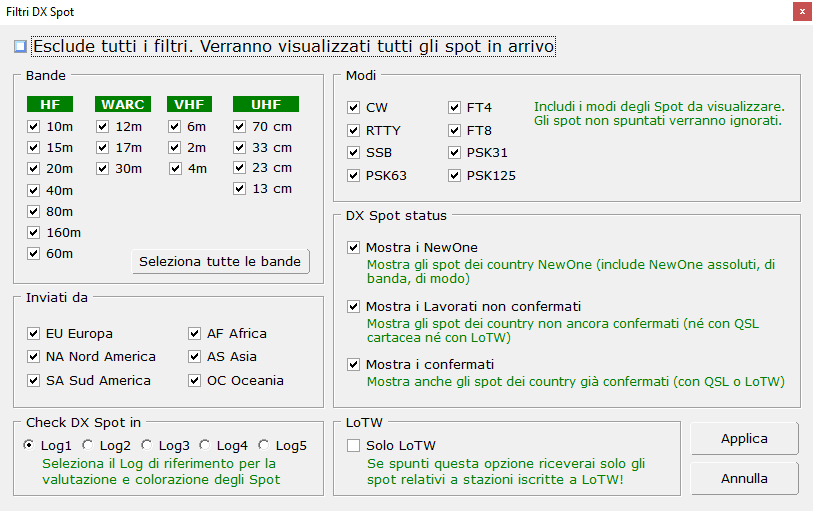 | | | | | |
| Band In the band panel, you can select all the bands or only the bands you are interested in. Disable the bands you do not operate to avoid DX-Spots on those bands.
Modes Similarly to bands, select only the modes you are interested in, so DX-Spots of unselected modes will not be shown.
Spotted by To avoid receiving DX-Spots spotted by remote stations that you likely cannot hear, particularly significant on some bands, you can remove continents: DX-Spots spotted by stations from those continents will not be displayed.
DX Spot Status Decide if you want to see only the NewOne, also include unconfirmed worked ones, and if you want to show confirmed ones as well.
Check DXSpot in EasyLog manages up to 5 Logs simultaneously, so it is necessary to specify which Log to refer to for spot coloring, that is, to which DXCC situation of which Log to refer to. Only one Log can be selected, the selection is exclusive.
LoTW If you check the box Only LoTW, only the spots related to DX stations registered with LoTW will be displayed.
Click Apply to save the filter selection. From that moment on, the new filters will be applied. |
|
|
|---|
|
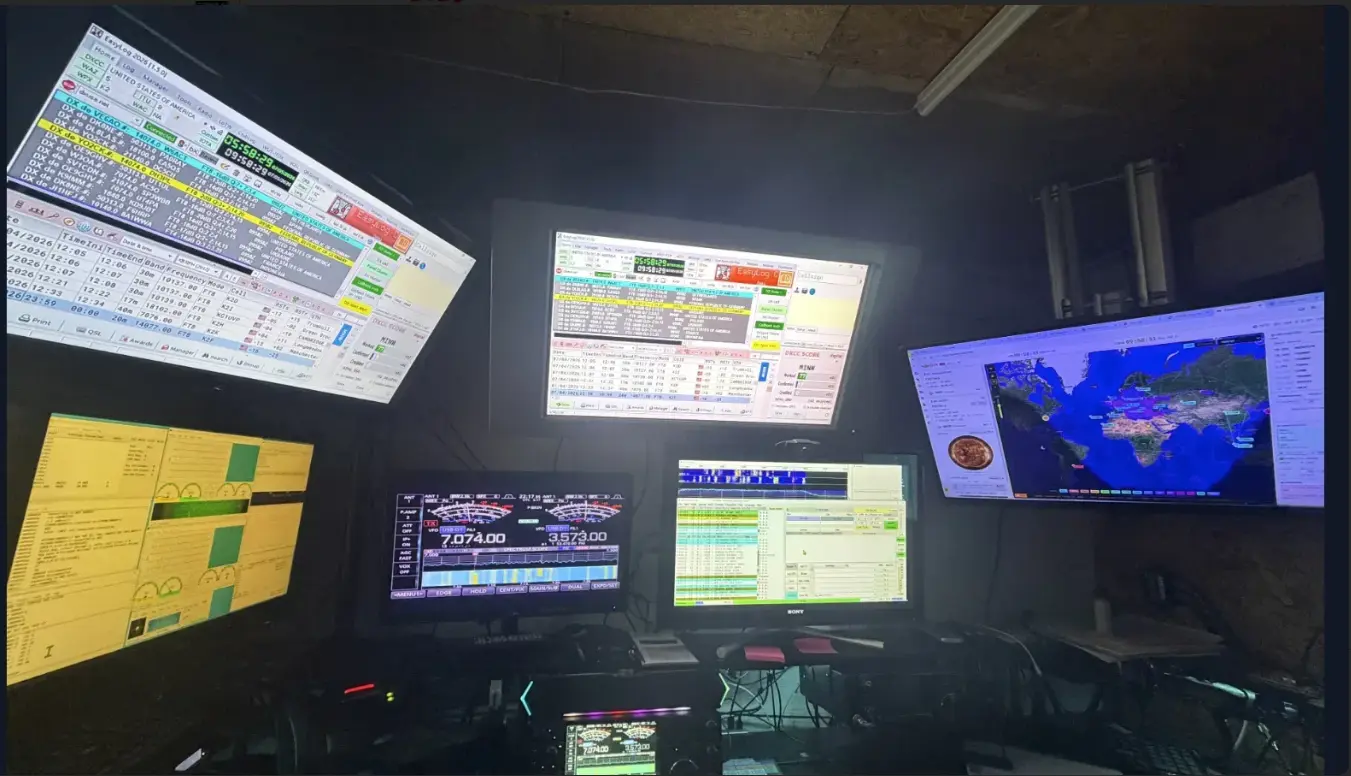
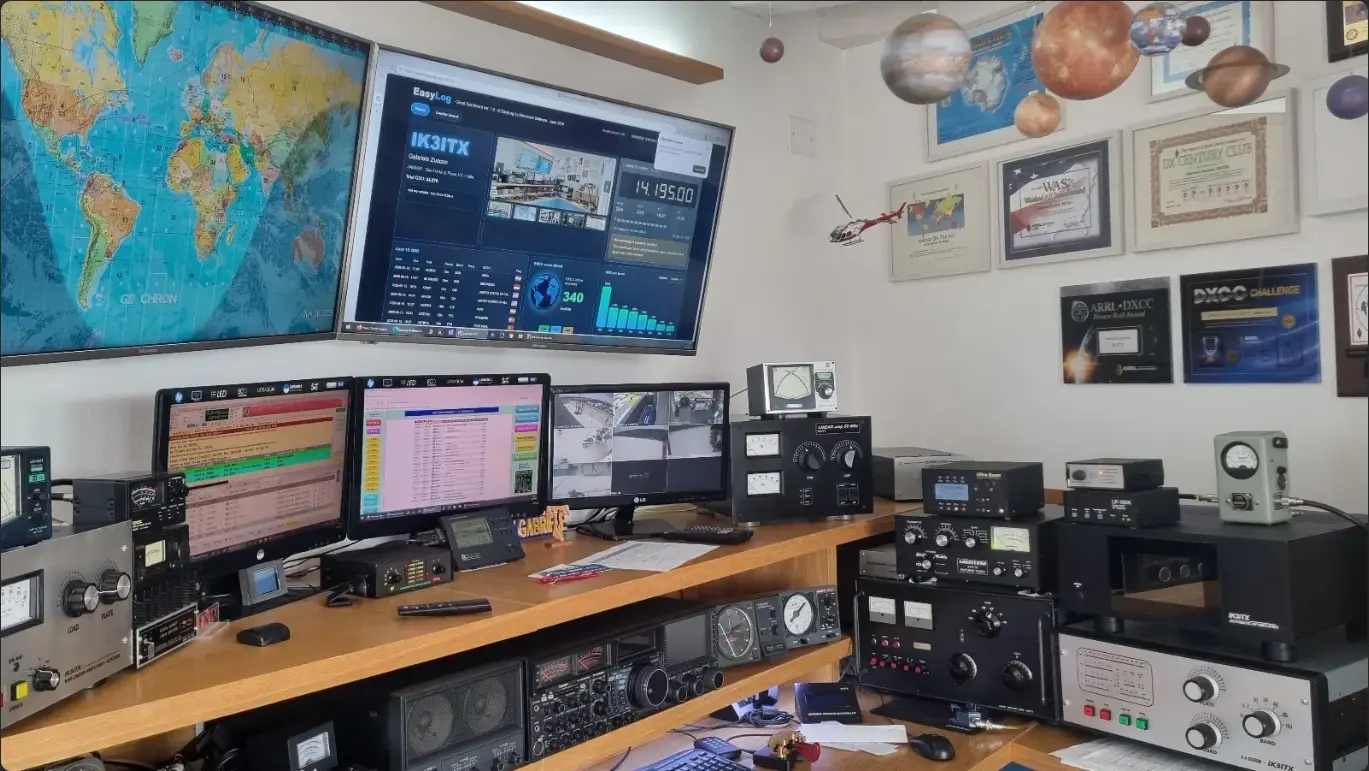
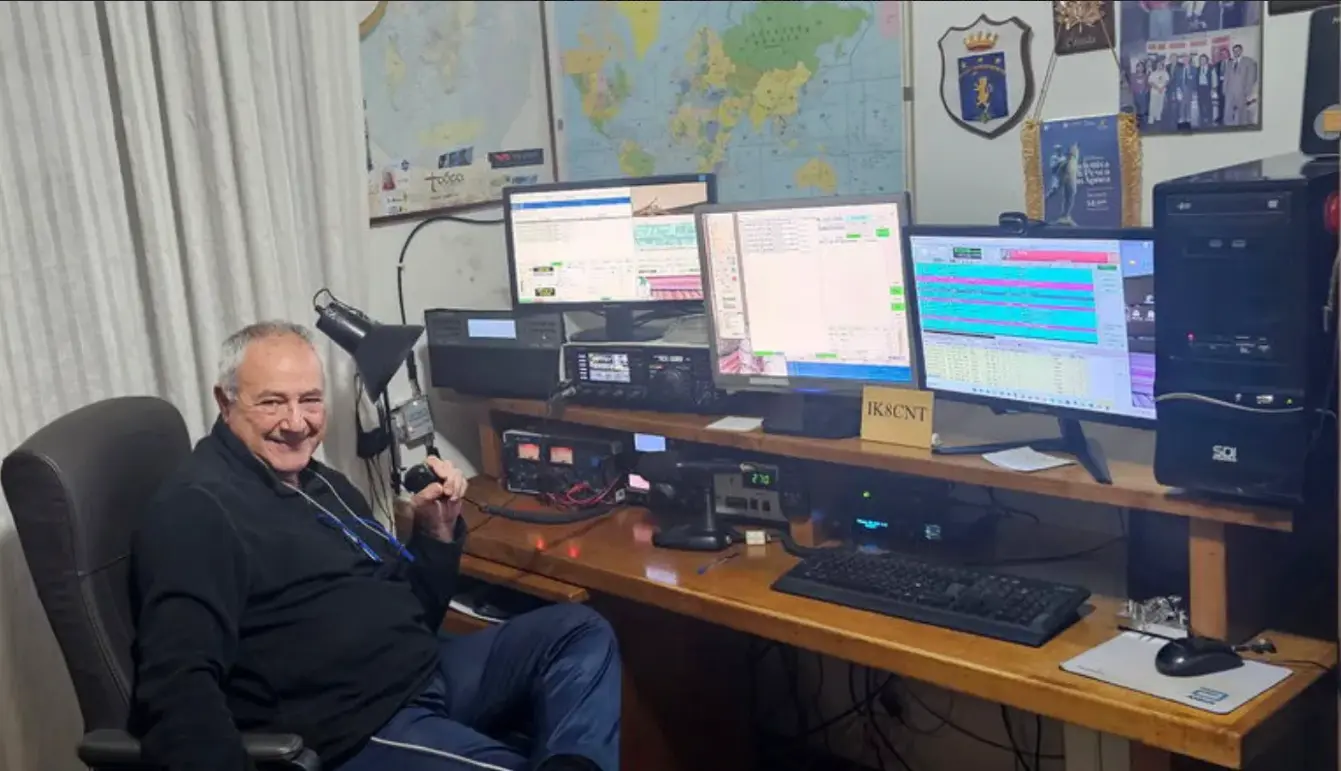
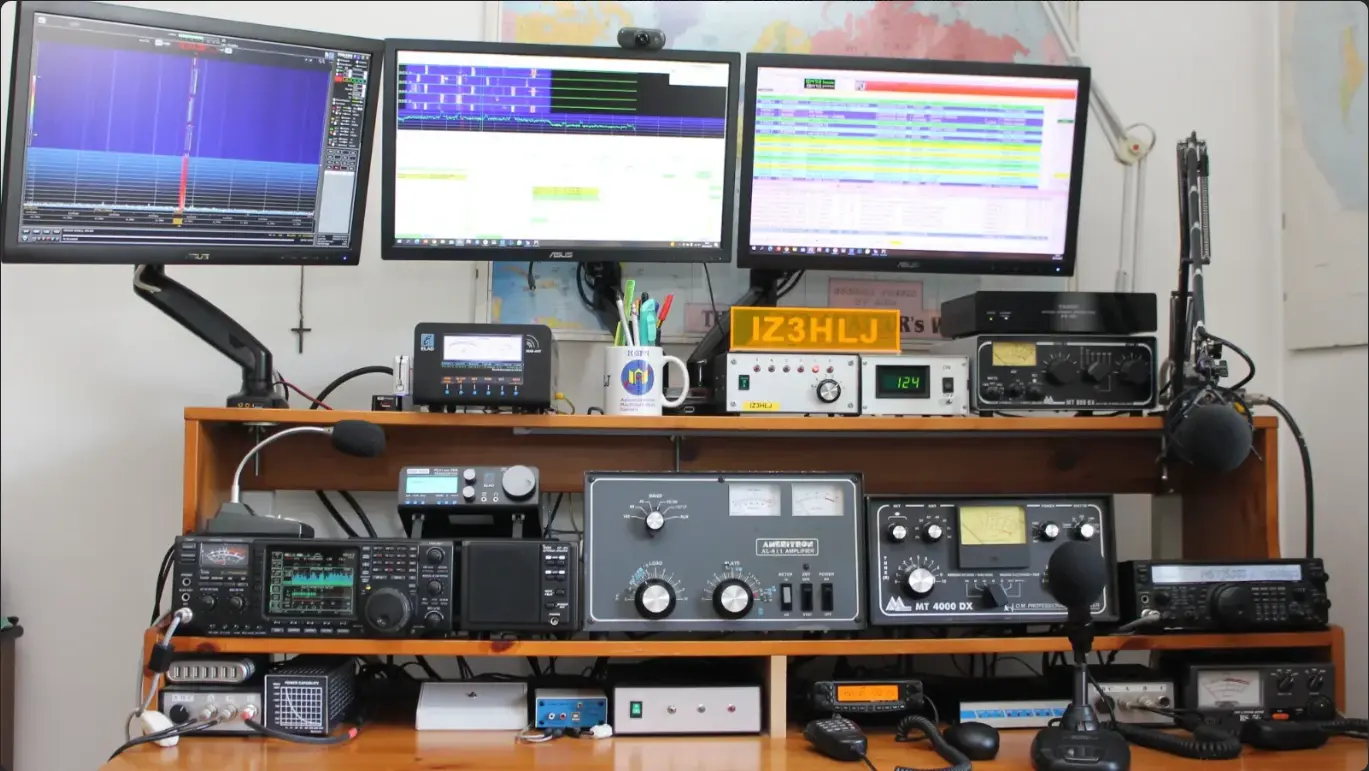
This week, we're featuring some of the beautiful photos of radio stations that our users have posted on the EasyLog homepage. |
| | | | | | | | | | | | | | | | | | | | |
|
|
|---|
|
| | | Upload photos of your station on the easylog.com home page Now the scroller is accessible to all users with active support who will be able to upload photos of their shack. We have always been very proud of our users and we love to see their stations. |
| How to Upload Photos |
|
|
|---|
|
| | | | | | 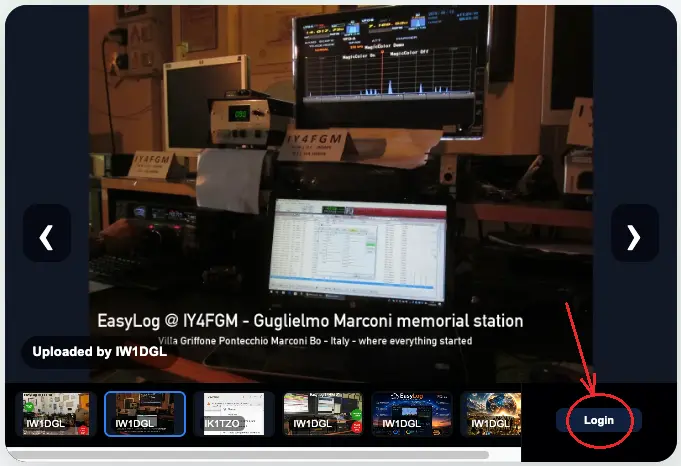 | | | | | |
| On the homepage, at the bottom right of the new scroller, click the Login button and enter your credentials to access the Reserved Area. The Upload button will appear. Click Upload and select the photo to upload. | | | | | | | 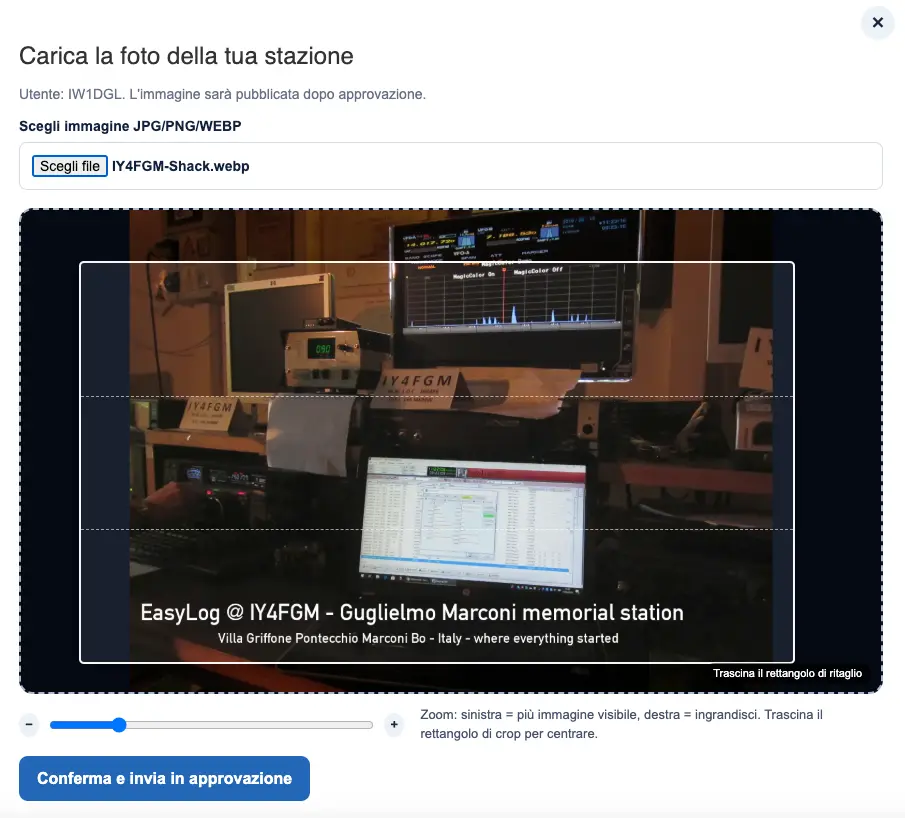 | | | | | |
| Move the blue slider below by sliding it left or rightto adjust the size of the selection box and/or move it to the desired position on your photo and finally confirm the upload by clicking the blue button Confirm and Submit for Approval. | Wait for our staff to approve the photo. The photo will go live automatically after approval. |
|
|
|---|
|
- Only registered users with active support can upload photos, and uploads are subject to approval by our staff.
| - Soon it will be possible to vote for the most beautiful station photos, and we will award the most voted ones.
| - Each user can upload up to 3 photos of their station or their QSL - at least one must show EasyLog active on the monitor and their callsign overlaid or visible on a plaque near the monitor.
| | |
|
|
|---|
|
Would you like to send us news about your DX activities? Feel free to contact us at support@easylog.com we'll publish it in our next newsletter. |
|
|
|
|---|
|
| | | | | | | |  | | | | | |
| DX-Pedition, news and activities from around the world. |
|
| | | The DX-Corner column will return next week. |
|
|
|---|
|
| | | |  | If you are a registered user and need assistance, or you are new and need information about EasyLog, do not hesitate to contact our customer support. support@easylog.com | | | | |
|
|
|---|
Stay in touch, follow us, and like our page. |
| | Center Images | | | | | You are receiving this newsletter because you are either a registered user or have downloaded the trial version or the eBook. |
| Microware Software © 1989-2026 - All rights reserved |
|
|
|
|---|
|
|
|