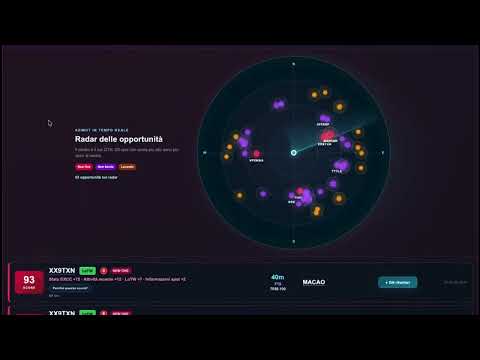
Tip: to see the screens more clearly, open the video on YouTube and select Quality → 1080p HD, if available.
THE EASYLOG INTEGRATION ADVANTAGE
Your log doesn't just record QSOs. It helps you work new DXCC entities.
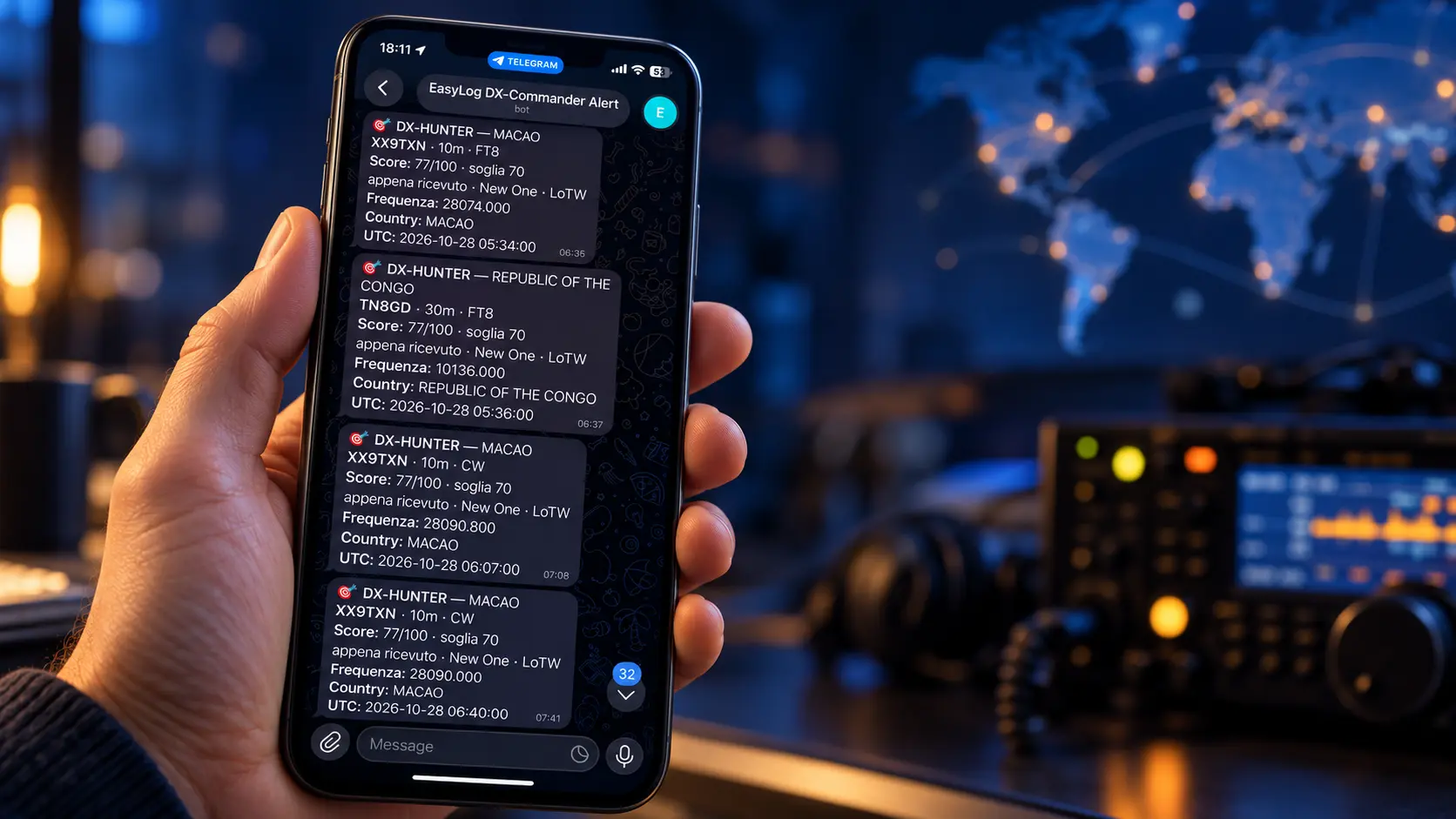
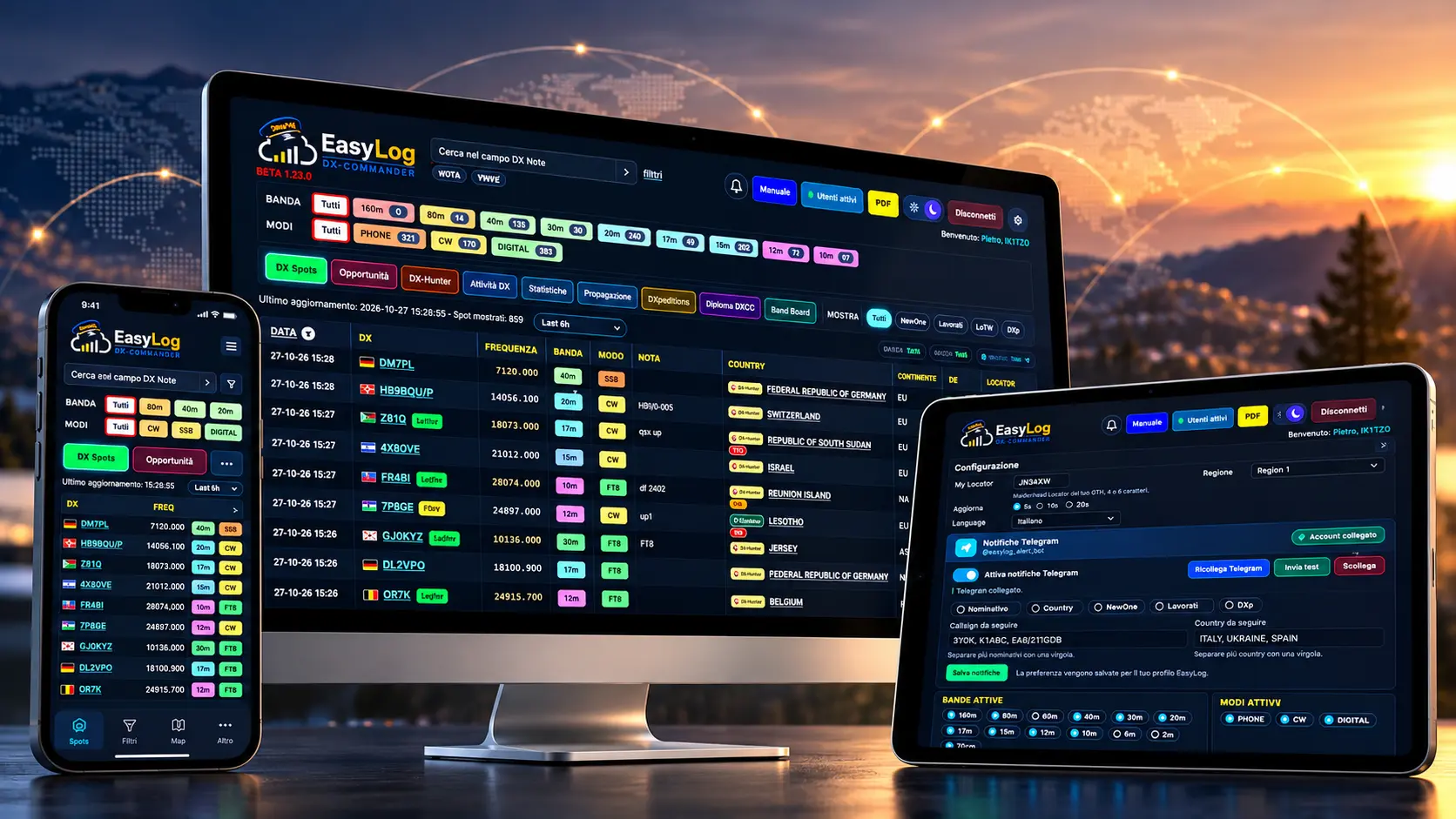
DX-Commander uses the DXCC information in your EasyLog log and compares it with incoming spots. This makes it easier to tell the entities you've already worked from your next NewOnes, even by band and mode.
EasyLogYour log and DXCC information
↓
DX-CommanderDX spots and personalized opportunities
↓
Your next NewOneDXCC, band and mode to work
Less time searching through thousands of spots. More focus on the opportunities that matter to you.
Access reserved for registered EasyLog users with active support.
GOOD NEWS FOR TRIAL USERS TOO
Download the trial version and try DX-Commander too!
Download the EasyLog Trial and discover what's new in DX-Commander. During the trial period you can access the platform and explore its features.
Getting started: 4 simple steps
Follow these quick steps to use DX-Commander with your trial license.
1
Download and install EasyLog TrialDownload the trial version from the EasyLog website, register and complete the installation on your PC.
2
Set up the Reserved AreaOpen EasyLog and go to the Setup → Reserved Area menu. Select access as a Trial user.
Credentials to enter
Username:trial
Password: your PIN code, received by email when you registered for the Trial.
3
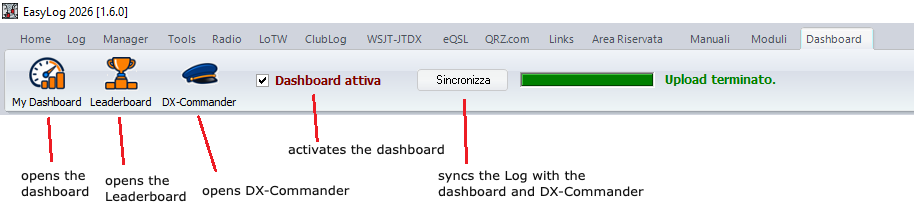
Upload your data from the DashboardOpen the EasyLog Dashboard menu and run the upload with the Send button. This way DX-Commander can use the DXCC information from your log.
4
Open DX-CommanderIn the Dashboard menu, press the Sync button and then DX-Commander, the one with the hat icon. You can now explore the platform during your Trial period.
Remember: the Dashboard upload is what allows DX-Commander to identify DXCC opportunities based on your log. Trial access to DX-Commander remains available for the whole trial period.
On the renewal page you can check your expiry date and the available options.
EasyLog keeps evolving.
From log management to digital modes, from the Dashboard to DX-Commander: an ecosystem of tools designed to make every radio activity more complete and engaging.