

How to renew support by paying with a credit card if you don't have a PayPal account
- Click on Renew link on the main menu of the EasyLog web site
- In the new page, there is a green button named Renew now!
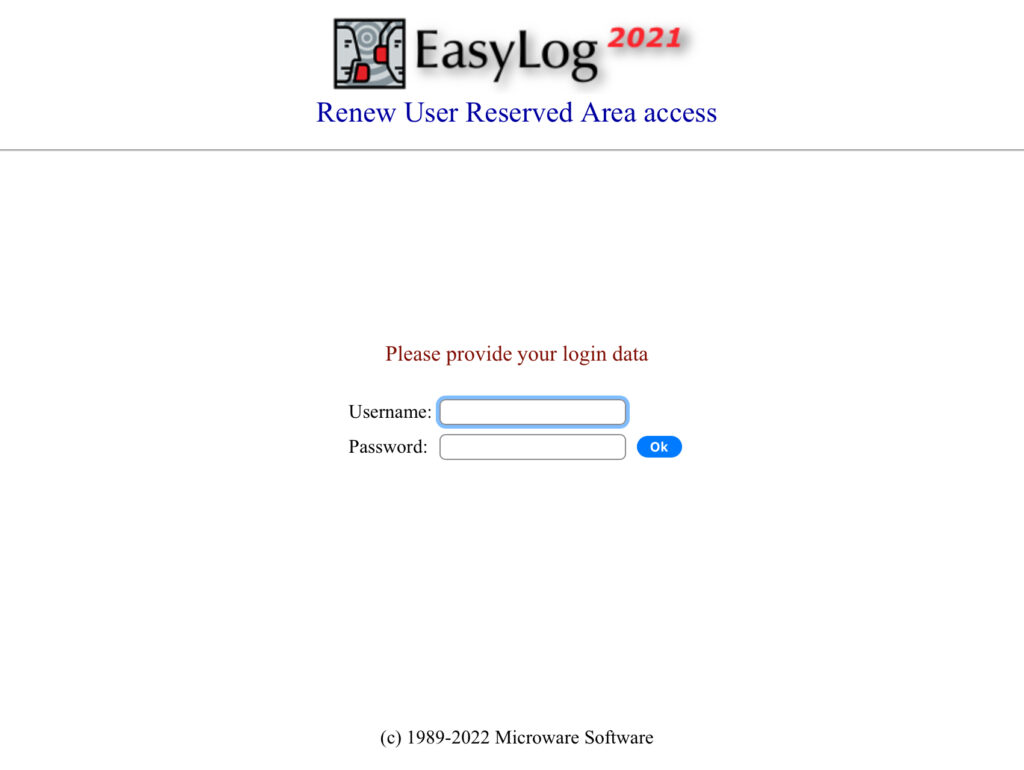
- press it and you will asked to enter in the URA (User Reserved Area)
- you need to enter the username and password we provided you the first time you bought EasyLog, you lost them, please contact us at: ik1tzo@gmail.com
- after entering username and password, an information window will appear, and a link for payment
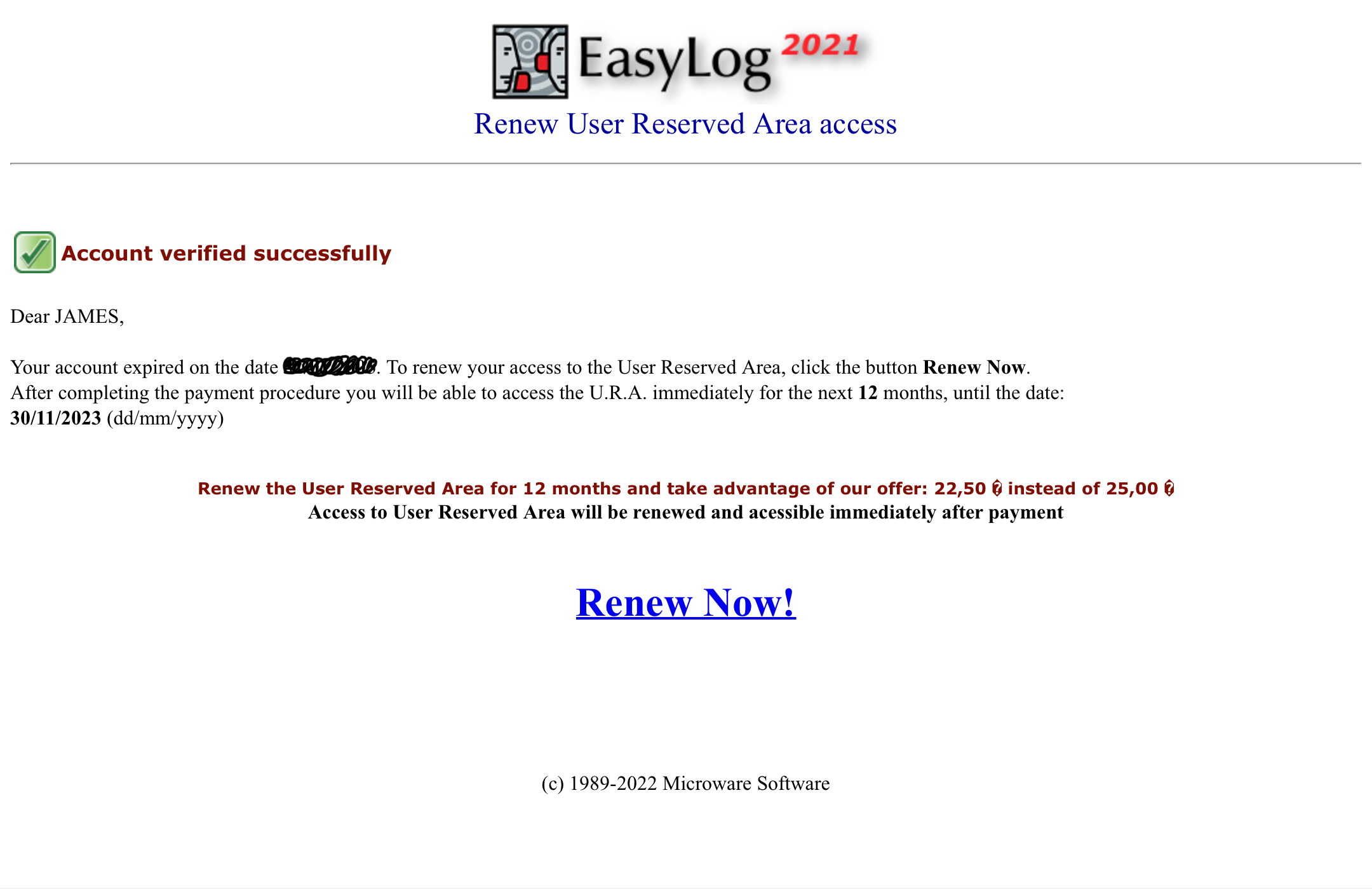
If you have typed your credentials correctly, the site will show you your current support status indicating whether it is expired or still active.
You can renew whether the support has already expired or is still active (*)
Click Renew Now! to continue with the payment
(*) If the support is still active and you still decide to renew before the expiration date you will receive an additional free month of validity (13 months instead of 12 months) that will be calculated and added at the end of the support's natural expiration date (so you will not lose any months, in fact you will receive a free month)

- Instead of entering your PayPal account credentials (which you do not have) click on the button: Pay with a card

- Enter your card information
- Fill in the relevant parts
- Finally, click the Pay Now button and follow the information on the screen